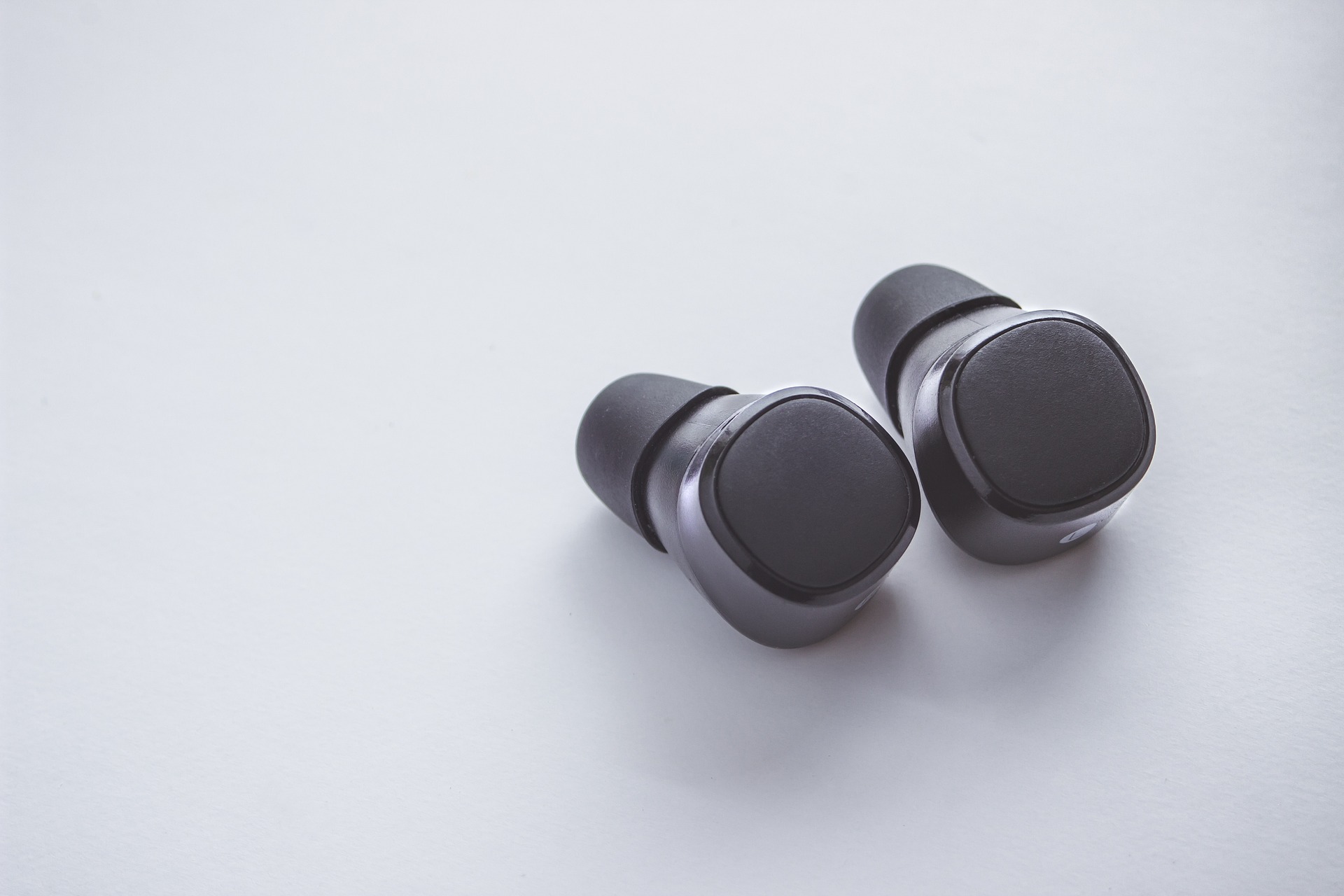
The freedom of True Wireless Stereo (TWS) technology is one of the greatest leaps in modern audio, but it can occasionally lead to a very specific, modern frustration: “Mono Mode” synchronization issues. You open your case, pop your earbuds in, and realize that only one side is playing. Or worse, your phone shows two different Bluetooth connections for the same pair of headphones.
If you’ve found yourself asking, “why are my both earbuds connecting separately,” don’t worry—your hardware isn’t broken. This is a common digital “de-sync” where the left and right channels have forgotten how to talk to each other and are now competing to be the “leader.” Understanding the mechanics of this handshake is the key to fixing it in seconds and ensuring it never interrupts your workout again.
The Logic of the Link: Why Do Earbuds De-sync?
To understand why are my both earbuds connecting separately, we have to look at how TWS works. In a standard setup, your earbuds need to perform two “handshakes”:
- The Inter-bud Link: The Left and Right earbuds connect to each other to form a stereo pair.
- The Host Link: The “Master” earbud (or both, in newer models) connects to your phone.
When this process fails, the earbuds enter “Single Ear Mode.” This is actually a feature designed for people who want to use just one bud for hands-free calling while keeping the other ear open to the environment. However, when it happens accidentally, it’s a nuisance. This usually happens if one bud is pulled out of the case significantly earlier than the other, or if a low battery caused one side to “reset” its pairing data.
How to Fix the “Why Are My Both Earbuds Connecting Separately” Issue
If your phone is seeing two different Bluetooth names (e.g., “Jesebang-L” and “Jesebang-R”), you need to force them to reconnect as a team. Follow this professional reset sequence:
1. “Forget” the Devices
Go into your phone’s Bluetooth settings. If you see two entries for your earbuds, “Forget” or “Unpair” both of them. Turn your phone’s Bluetooth off entirely for a moment.
2. The Hard Reset (The Factory Fresh Start)
This is the most effective solution for when you’re wondering why are my both earbuds connecting separately.
- Place both earbuds back into the charging case.
- Most Jesebang models require you to press and hold the touch-control area on both earbuds simultaneously for about 10–15 seconds while they are in the case.
- The LED lights will usually flash (often red and blue or white) to indicate the internal memory has been wiped.
3. Re-pairing as a Stereo Pair
Take both earbuds out of the case at the exact same time. Watch the LEDs; they should flash rapidly as they look for each other, and then one will stop flashing or slow down—this indicates they have successfully bonded. Now, turn your phone’s Bluetooth back on and select the single device name that appears.
Why Jesebang Technology Minimizes Sync Issues
At Jesebang, we utilize advanced Dual-Channel Transmission to prevent the “one-earbud-only” headache. Older TWS technology used a “Master-Slave” relationship where the signal went: Phone → Right Earbud → Left Earbud. If that middle link broke, the left ear went silent.
Our modern chips allow both earbuds to receive signals from the phone independently and simultaneously. This creates a much more robust connection and significantly reduces the frequency of users asking, “why are my both earbuds connecting separately.” Even if you prefer to use one bud while the other charges, our software is designed to seamlessly transition back to stereo the moment the second bud is removed from the case.
Preventing Future Connection Splits
To keep your audio in perfect harmony, keep these expert “pro-tips” in mind:
- The “Simultaneous Pull”: Always try to remove both earbuds from the case within a few seconds of each other. This gives the software the best window to establish the inter-bud link.
- Keep Your Case Powered: If your charging case hits 0% battery, it can no longer “tell” the earbuds to turn off. They might stay connected to your phone inside the case, leading to desynchronization when you next try to use them.
- Avoid “Signal Crowding”: When pairing for the first time, move away from other Bluetooth devices (like your smart TV or a roommate’s headphones) to ensure your earbuds only “see” each other and your phone.
Conclusion
While it’s frustrating to deal with split audio, the answer to “why are my both earbuds connecting separately” is almost always a simple software glitch that a quick reset can fix. By choosing hardware with Bluetooth 5.3 and dual-channel capabilities—like the Jesebang YT18—you ensure that your tech is smart enough to stay synced, leaving you free to focus on your music and your movement.