We’ve all been there: you’re halfway through a grueling set at the gym or deep into a focus-heavy deep-work session, and that dreaded “low battery” chime cuts through your favorite playlist. It’s the ultimate buzzkill. When it comes to TWS (True Wireless Stereo) technology, battery endurance isn’t just a luxury—it’s the backbone of the entire user experience.
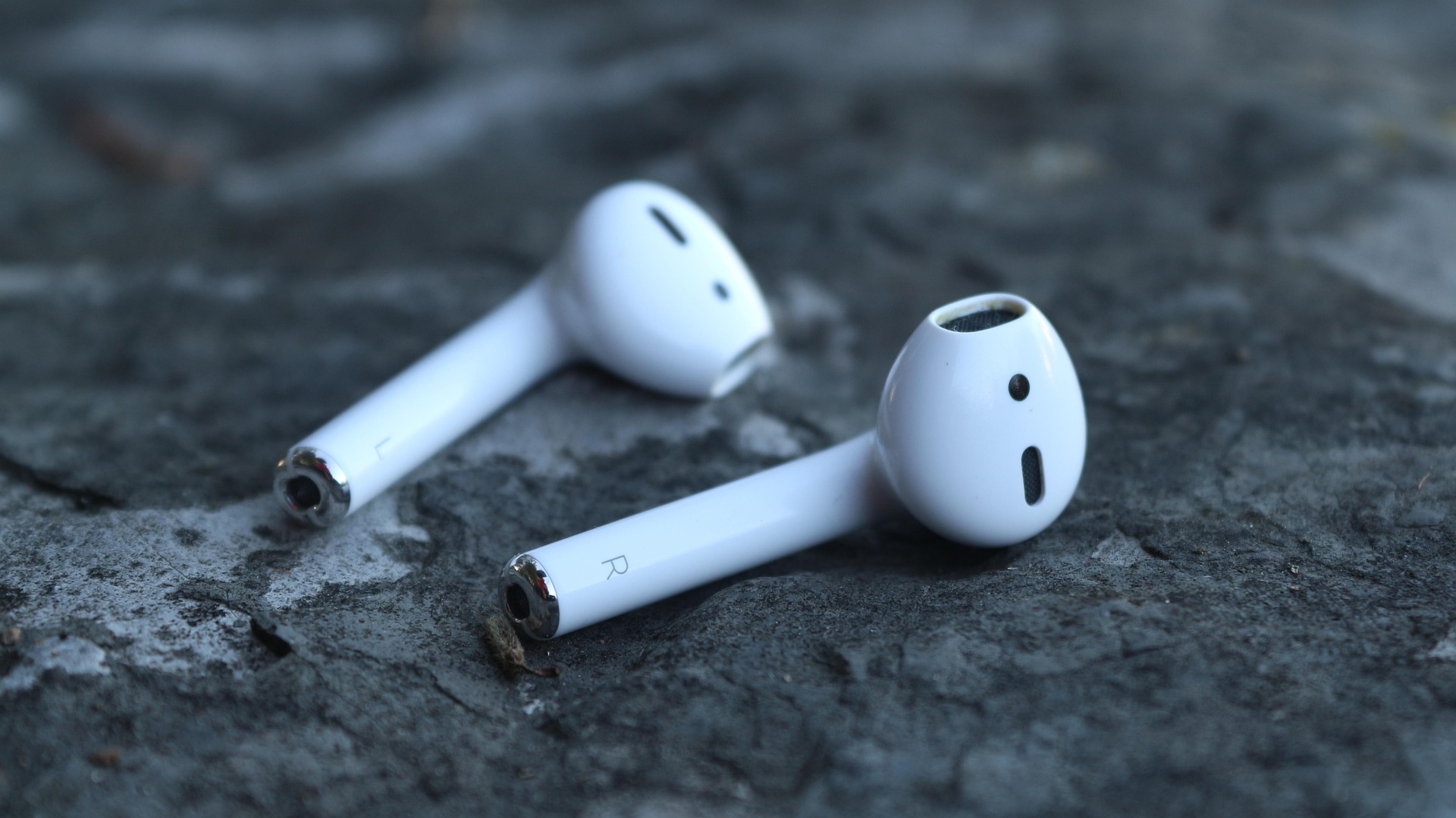
Apple’s AirPods are undoubtedly the most recognizable earbuds on the planet, but in the fast-moving tech landscape of 2026, the competition has grown fierce. If you are wondering how does the battery life of AirPods compare to other wireless earbuds, you need to look beyond the sleek white stems and dive into the actual playback hours and charging efficiencies that define modern audio.
The AirPods Benchmark: What Are You Really Getting?
Apple has made significant strides with their latest releases, but they still prioritize a “compact and slim” form factor over raw battery capacity. While the H2 chip is a marvel of efficiency, it has to power intense features like Personalized Spatial Audio and industry-leading Active Noise Cancellation (ANC).
The Current Lineup Specs
| Model | Single Charge (with ANC) | Total with Case |
| AirPods Pro 3 | Up to 8 Hours | 24 Hours |
| AirPods Pro 2 | Up to 6 Hours | 30 Hours |
| AirPods 4 (ANC) | Up to 4 Hours | 20 Hours |
| AirPods Max | Up to 20 Hours | N/A |
As you can see, the AirPods Pro 3 has pushed the “single session” limit further, but at a cost—the total battery life including the case actually dropped compared to the previous generation. This is a crucial detail for travelers who don’t want to hunt for a USB-C cable every two days.
How Does the Battery Life of AirPods Compare to Other Wireless Earbuds in 2026?
When you step outside the Apple ecosystem, the numbers start to shift dramatically. Many “AirPods killers” are designed with larger internal batteries or more aggressive power management.
The Marathon Runners
Brands like Sony and Sennheiser have traditionally led the pack for long-haul flights. The Sony WF-1000XM6, for instance, consistently delivers closer to 10 hours on a single charge with ANC enabled. Meanwhile, budget-friendly powerhouses often sacrifice a bit of pocketability for massive charging cases that can provide over 50 hours of total playtime.
The Jesebang Advantage: Fitness-First Endurance
At Jesebang, we approach battery life through the lens of the athlete. While AirPods are great for a casual walk, a long-distance runner or a daily gym-goer needs something that won’t die during a weekend trail run.
Our specialized fitness models often outclass the AirPods 4 and Pro series by focusing on Bluetooth 5.3 efficiency and larger, sweat-sealed battery cells. Where an AirPod might give you 5-6 hours, a Jesebang earbud is engineered to push toward 8-10 hours of continuous playback, with a rugged charging case designed to last an entire week of workouts without needing a wall outlet.
Why “Total Playtime” is a Misleading Metric
When asking how does the battery life of AirPods compare to other wireless earbuds, many users only look at the “Total Playtime” listed on the box. However, the single-charge duration is what actually dictates your freedom.
- ANC Drain: Using Active Noise Cancellation can reduce battery life by 20% to 25%.
- The “Age” Factor: Lithium-ion batteries degrade. Because AirPods have smaller cells, each charge cycle represents a larger “hit” to the total health of the battery.
- Charging Speed: This is where Apple competes well. 5 minutes in the case usually nets you about an hour of listening. However, many modern competitors now offer “Super Fast Charge” protocols that provide 2-3 hours of playback in the same 5-minute window.
Pro-Tips to Maximize Your Earbud Longevity
Regardless of which brand you choose, the way you treat your tech determines how long it stays out of the landfill. Here is how to keep your batteries healthy:
- The 20-80 Rule: Avoid letting your earbuds or case drop to 0%. Deep discharges stress the lithium cells. Try to keep them between 20% and 80% whenever possible.
- Clean Your Contacts: Sweat and earwax can create a “film” on the charging pins. If your earbuds aren’t charging properly, it’s usually not a battery failure—it’s just a dirty connection. Use a dry cotton swab to keep them shiny.
- Temperature Control: Never leave your charging case on a hot car dashboard. Heat is the #1 killer of TWS battery capacity.
The Verdict: Which is Right for You?
If you are a casual listener who stays deep within the Apple ecosystem, the AirPods Pro 3 offers a respectable balance. However, if your lifestyle demands extended endurance, better environmental protection (IP7+ ratings), and a battery that won’t quit before you do, looking toward fitness-oriented alternatives like Jesebang is the smarter play.
In the battle of how does the battery life of AirPods compare to other wireless earbuds, the answer is clear: Apple is no longer the undisputed king of stamina. The modern user now has the power to choose between “status-symbol” aesthetics and “marathon-ready” performance.