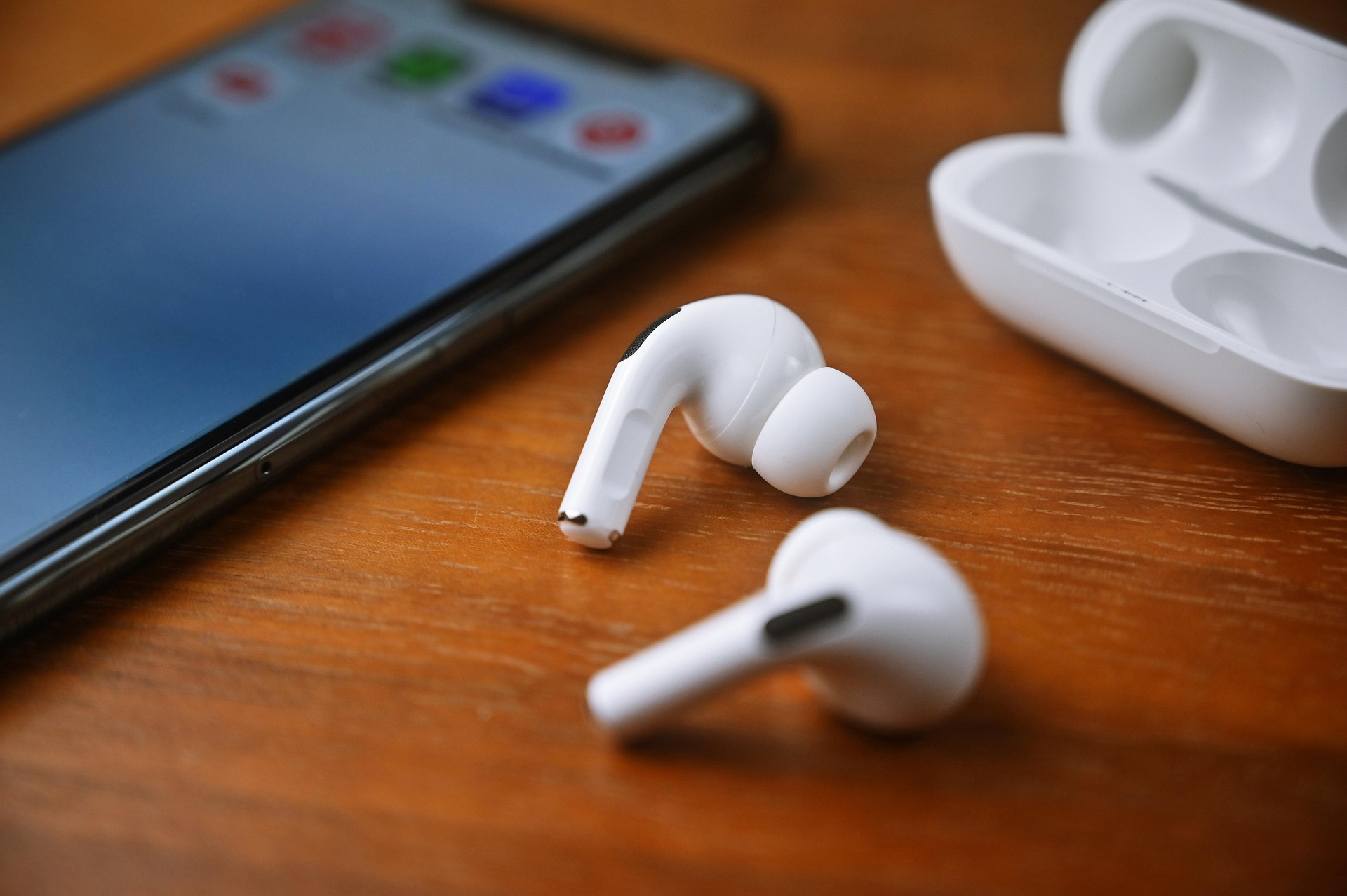
You’ve finally unboxed the sleek, powerful iPhone 16. The screen is stunning, the camera is world-class, and you’re ready to dive into your favorite workout playlist or high-octane podcast. But then comes the moment of truth: getting your gear to talk to each other. Whether you are a seasoned tech enthusiast or someone who just wants their music to work without a fuss, the pairing process can sometimes feel like a digital hurdle.
At Jesebang, we believe technology should empower your lifestyle, not complicate it. The iPhone 16 features the latest in wireless connectivity, and when paired with high-performance earbuds, the experience is nothing short of seamless. In this guide, we’ll walk you through exactly how to connect earbuds to iPhone 16, troubleshoot common hiccups, and ensure your audio experience is as elite as your new phone.
The Step-by-Step Guide: How to Connect Earbuds to iPhone 16
The iPhone 16 utilizes advanced Bluetooth protocols to ensure a stable, high-fidelity connection. Whether you’re using our Jesebang sport models with ergonomic ear hooks or a standard pair of TWS buds, the steps remain largely the same.
1. Prepare Your Earbuds for Discovery
Before your iPhone can find your earbuds, they need to be in “Pairing Mode.”
- For Jesebang Earbuds: Simply open the charging case and remove the earbuds. You’ll notice the indicator lights flashing—this means they are actively searching for a partner.
- Pro Tip: If your earbuds were previously connected to an old device, turn off the Bluetooth on that device first to prevent them from “auto-snatching” the connection.
2. Navigate the iPhone 16 Settings
On your iPhone 16, follow these quick steps:
- Open the Settings
- Tap on Bluetooth.
- Ensure the Bluetooth toggle is switched to On (it should be green).
3. Finalize the Pairing
Under the “Other Devices” section at the bottom of the screen, you should see your earbud model name appear (e.g., Jesebang BD86). Tap the name, and within seconds, the status will change to Connected. You’re now ready to hit the pavement or the gym.
Troubleshooting: What to Do If They Won’t Connect
Sometimes, even the best tech hits a snag. If you are struggling with how to connect earbuds to iPhone 16, don’t panic. Most issues are related to software handshakes or signal interference.
Common Quick Fixes
- The “Forget and Restart” Method: If the device appears but won’t connect, tap the “i” icon next to the name and select Forget This Device. Restart your iPhone and try the pairing process again.
- Toggle Airplane Mode: Quickly switching Airplane Mode on and then off can “refresh” your iPhone’s wireless radios, often resolving minor discovery glitches.
- Check Battery Levels: Many earbuds disable their pairing mode if the battery is below 20% to conserve energy. Ensure your buds have a full charge before your first sync.
Dealing with Interference
In 2026, our environments are crowded with signals. If you’re in a high-density area like a busy office or a gym with dozens of active Bluetooth devices, try moving a few feet away from large metal objects or other electronics while performing the initial pair.
Why Jesebang is the Perfect Match for iPhone 16
The iPhone 16 is a powerhouse of a phone, and it deserves audio gear that can keep up. Jesebang earbuds are engineered specifically for the active user who demands more than just “basic” sound.
| Feature | Why It Matters for iPhone 16 Users |
| Bluetooth 5.3+ | Matches the iPhone 16’s efficiency for lower latency and better battery life. |
| IP7 Waterproofing | Your iPhone is water-resistant; your earbuds should be too. Sweat and rain won’t stop the music. |
| Ergonomic Hooks | While standard buds fall out during sprints, Jesebang stays locked in place. |
| ENC Technology | Environmental Noise Cancellation ensures your calls are crystal clear, even in a windy park. |
Optimizing Your Audio Experience
Once you know how to connect earbuds to iPhone 16, you can take it a step further. Within the iPhone’s settings, you can customize the “Headphone Accommodations” under Accessibility to tune the frequency response specifically to your hearing. Paired with Jesebang’s deep bass and crisp highs, you’ll hear details in your music you’ve never noticed before.
Maintenance Tips for Long-Term Connectivity
To keep your connection strong for years to come, hygiene and care are vital.
- Clean the Contacts: Use a dry cotton swab to clean the charging pins inside the case and on the earbuds. Earwax or sweat buildup can prevent the earbuds from turning on or entering pairing mode correctly.
- Firmware Updates: Occasionally check if your earbud manufacturer has released updates. Keeping your hardware current ensures compatibility with the latest iOS 19 or 20 updates in the future.
By following these steps, you’ll ensure that your iPhone 16 and your favorite earbuds remain a perfectly synced duo, ready for every workout, commute, and call.