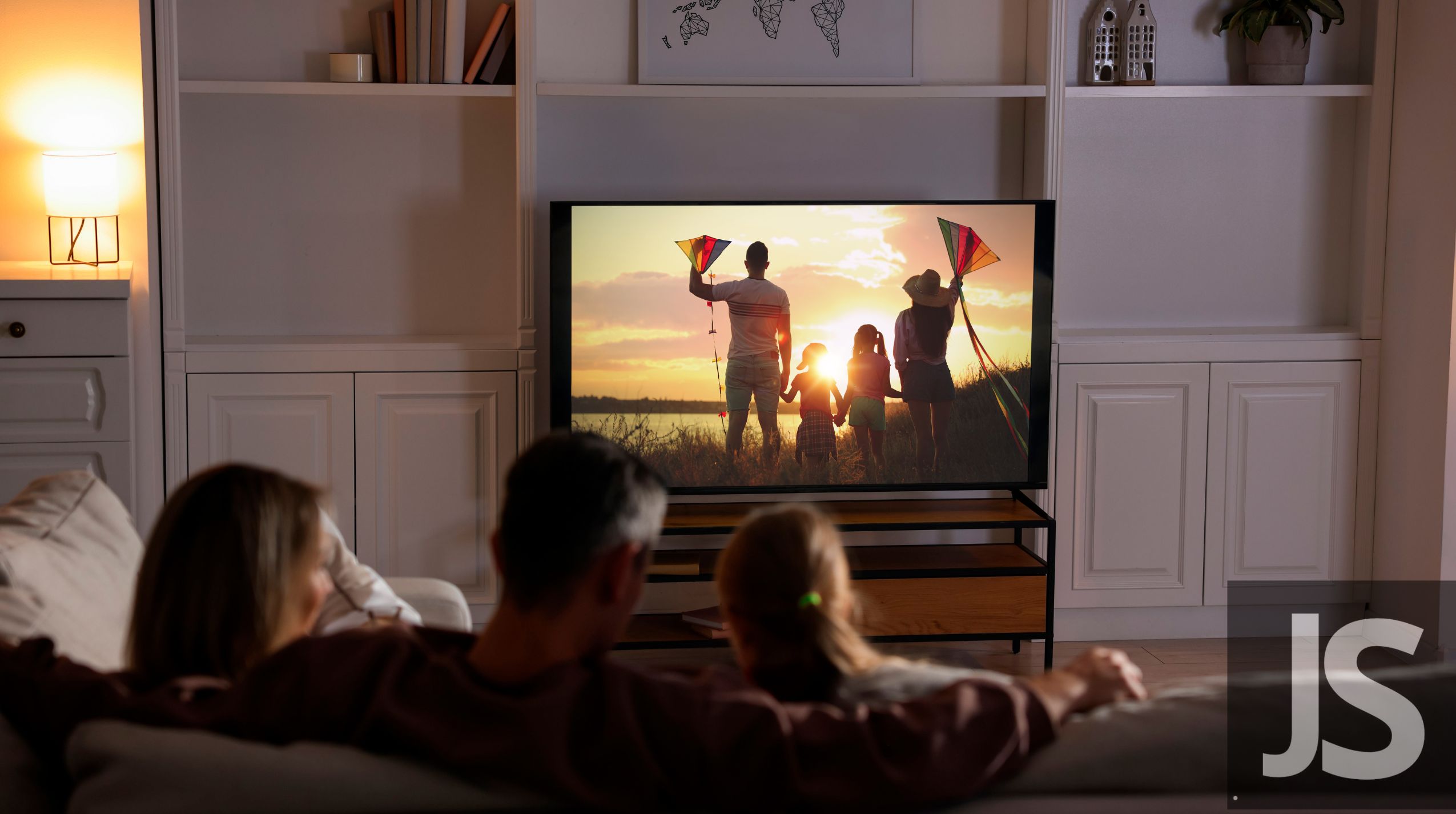
Many people love watching TV late at night or in shared spaces — but they don’t want to disturb others. Wireless earbuds solve this problem perfectly, allowing private listening with clear, immersive sound.
However, one common question arises: where to find wireless earbuds with a charging case — because having the right pair with dependable battery life is essential for uninterrupted TV sessions.
This article explains how to connect wireless earbuds to your TV, what to do if your TV doesn’t support Bluetooth, and where to buy the best models with a charging case for continuous use.
Why Use Wireless Earbuds for Watching TV
Private Listening Experience
Perfect for late-night shows or shared living situations, wireless earbuds keep your entertainment personal.
Clear and Immersive Sound
They enhance dialogue clarity and block out background noise, creating a more cinematic feel.
Freedom to Move Around
Without cables, users can freely walk around within Bluetooth range while staying connected.
Portability with Charging Case
A charging case ensures the earbuds remain powered and ready for long binge-watching sessions.
How to Connect Wireless Earbuds to a TV
- Check If the TV Has Built-In Bluetooth
Most smart TVs (such as Samsung, LG, Sony, and Hisense) include built-in Bluetooth for wireless audio. - Turn On Pairing Mode on Earbuds
For Jesebang earbuds, simply open the charging case or hold the touch control button until the LED indicator flashes. - Enable Bluetooth on the TV
Navigate to Settings → Sound → Bluetooth Devices → Add New Device. - Select the Earbuds from the List
Choose your earbuds, confirm pairing, and wait for the connection. - Adjust Volume and Audio Delay (if needed)
Some TVs allow fine-tuning audio sync for a smoother watching experience.
What to Do If the TV Doesn’t Have Bluetooth
Use a Bluetooth Transmitter
Plug a transmitter into the TV’s headphone jack or optical audio port.
Pair Earbuds with the Transmitter
This method works with Jesebang earbuds and most modern Bluetooth models.
Consider Multi-Device Support
Some transmitters can connect two pairs of earbuds, perfect for couples watching together.
Where to Find Wireless Earbuds with a Charging Case
Official Brand Stores
Jesebang’s official website offers wireless earbuds with fast-charging cases, excellent battery life, and stable Bluetooth performance.
Online Retailers
Platforms like Amazon and Walmart feature Jesebang and other reputable brands that include charging cases and accessories.
Electronics Stores
Ideal for users who want to test fit and sound quality in person before buying.
Authorized Distributors
Ensure the product is genuine and backed by an official warranty for peace of mind.
Why Jesebang Earbuds Are Ideal for TV Watching
- Equipped with Bluetooth 5.3 for ultra-stable, low-latency audio.
- Deliver clear, balanced sound across movies, shows, and sports.
- Include a compact charging case for extended playtime.
- Lightweight, comfortable, and designed for long viewing sessions.
- Offer high-quality performance at an affordable price.
Enjoy Every Scene Without Missing a Beat
Watching TV with wireless earbuds transforms the experience — combining privacy, comfort, and excellent sound. Knowing where to find wireless earbuds with a charging case ensures you’re ready for hours of entertainment without interruptions.
Jesebang continues to make home entertainment smarter and simpler — delivering great sound, reliable power, and modern design for every viewer.