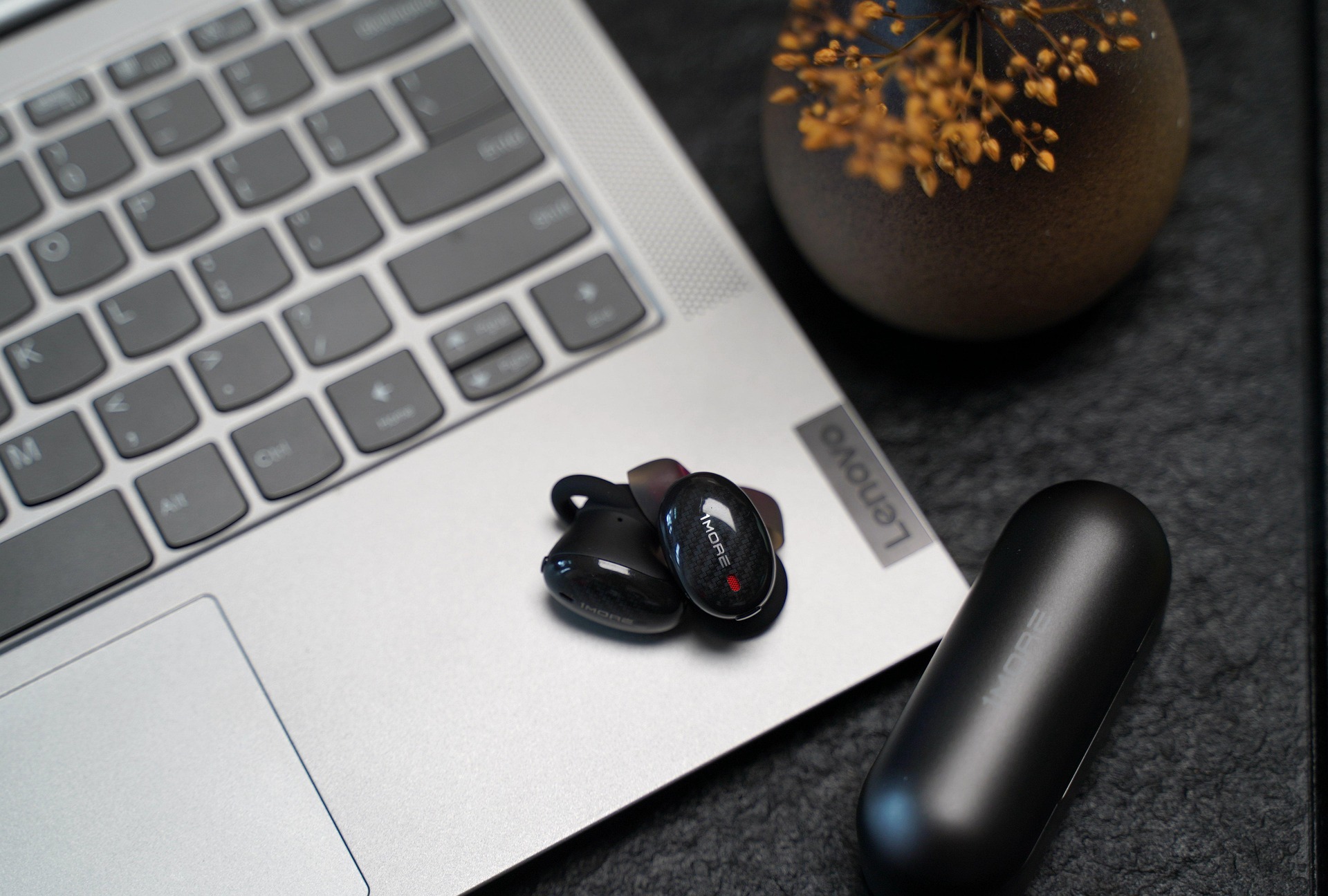
You’ve just unboxed your new tech, the excitement is peaking, and you’re ready to dive into that high-energy playlist to crush your morning run. But then, you hit a snag. You’re staring at your phone, looking at the earbuds, and wondering: how do you pair your earbuds without the headache?
We’ve all been there—fiddling with settings while the workout motivation slowly drains away. Whether you are a tech enthusiast or someone who just wants their music to work, pairing shouldn’t feel like solving a Rubik’s Cube. At Jesebang, we believe technology should move at the speed of your life. That’s why we’ve built our gear with the latest Bluetooth 5.3 chips for near-instant synchronization.
In this guide, we’ll walk you through the seamless process of getting connected, troubleshooting common hiccups, and ensuring your audio experience is as stable as your stride.
The Step-by-Step: How Do You Pair Your Earbuds Quickly?
Most modern True Wireless Stereo (TWS) systems, like the Jesebang YT18, are designed for “Auto-Pairing.” This means the moment you break the magnetic seal of the charging case, the earbuds are already looking for a partner.
1. Prepare for Launch
Before you begin, ensure your earbuds have enough “juice.” A low battery can often lead to a weak Bluetooth signal or a failed handshake between devices.
- Pro-Tip: If you just bought them, peel off any plastic film covering the charging pins and let them sit in the case for at least 10 minutes.
2. Enter Pairing Mode
For most Jesebang models, simply opening the lid and removing the earbuds triggers pairing mode. You’ll usually see a flashing LED (often white or blue) indicating the earbuds are “searching.” If they don’t flash, try holding the touch sensor for 3–5 seconds until the light dance begins.
3. The Digital Handshake
On your smartphone (Android or iOS):
- Go to Settings > Bluetooth.
- Ensure Bluetooth is toggled ON.
- Look under “Available Devices” for your model name (e.g., YT18).
- Tap the name, wait for the “Connected” prompt, and you’re golden.
Troubleshooting: Why Won’t My Earbuds Connect?
Even with the best tech, the “invisible wires” of Bluetooth can sometimes get tangled. If you’re struggling with how do you pair your earbuds after multiple attempts, don’t worry—it’s usually a quick fix.
The “One-Ear” Silence
One of the most common frustrations is when only one earbud plays audio. This usually means the earbuds have lost their “sync” with each other.
- The Fix: Place both back in the case, close the lid for 10 seconds, and take them out simultaneously. This forces them to reboot and find each other before looking for your phone.
Interference and Obstacles
Bluetooth operates on a 2.4GHz frequency, which is crowded with signals from Wi-Fi routers and microwaves.
- The Fix: If you’re in a crowded gym or office, move your phone closer to your earbuds (within 3 feet) during the initial pairing process to ensure a strong “handshake.”
Clear the Memory
If your earbuds were previously paired to a laptop or a partner’s phone, they might be trying to connect to the “old flame” instead of your current device.
- The Fix: “Forget” the device in your phone’s Bluetooth settings and perform a factory reset (usually 5 quick taps on the touch sensor while in the case) to start fresh.
Why Jesebang’s Bluetooth 5.3 Makes Pairing Better
Not all Bluetooth is created equal. If you are using older 5.0 or 5.2 hardware, you might experience “signal drop” in high-interference areas like city centers or busy gyms.
| Feature | Bluetooth 5.0 (Old Standard) | Jesebang Bluetooth 5.3 |
| Pairing Speed | Moderate | Near-Instant |
| Connection Stability | Prone to interference | Enhanced (High Reliability) |
| Power Consumption | High | Low (Better Battery Life) |
| Latency (Lag) | Noticeable in video/gaming | Ultra-Low Latency |
By utilizing Bluetooth 5.3, Jesebang earbuds offer a 3x faster transmission speed. This means when you ask “how do you pair your earbuds,” the answer is: effortlessly.
Maintenance for Long-Term Connectivity
To keep that connection snappy, you need to keep the hardware clean. Over time, earwax and sweat can build up on the charging pins, preventing the earbuds from “waking up” when you open the case.
- Clean the Contacts: Use a cotton swab with a tiny drop of rubbing alcohol to wipe the gold pins on both the earbuds and inside the case.
- Stay Dry: While Jesebang earbuds boast an IP7 waterproof rating, the charging case does not. Always dry your earbuds with a microfiber cloth after a sweaty workout before putting them back in the dock.
Ready to Upgrade Your Connection?
If you’re tired of fighting with outdated tech and dropped signals, it’s time to experience the Jesebang difference. Our ergonomic ear hooks and advanced ENC (Environmental Noise Cancellation) ensure that once you pair, the only thing you hear is your music.
[Shop the Jesebang Collection Today and Never Miss a Beat.]