We’ve all been there. You’ve just laced up your sneakers, your playlist is primed for a personal best, and you go to pair your earbuds—only to be met with a spinning wheel of frustration. Whether you’re rocking a brand new pair of Jesebang sports earbuds or trying to revive a connection with an old favorite, the “handshake” between your Android device and your audio gear should be seamless, not a workout in itself.
In the world of True Wireless Stereo (TWS), Android has evolved significantly. We aren’t just talking about basic audio anymore; we’re talking about high-speed Bluetooth 5.3 stability and instant syncing. But even with the best tech, a little “know-how” goes a long way.
In this guide, we’re going to walk through the foolproof way to get connected, troubleshoot the common “invisible device” syndrome, and show you how to optimize your Android settings for the best possible sound quality.
The Standard Pairing Process: The 30-Second Setup
Most modern Android devices and Jesebang earbuds support fast pairing, but it helps to know the manual steps to ensure a rock-solid foundation.
Step 1: Put Your Earbuds in “Discovery Mode”
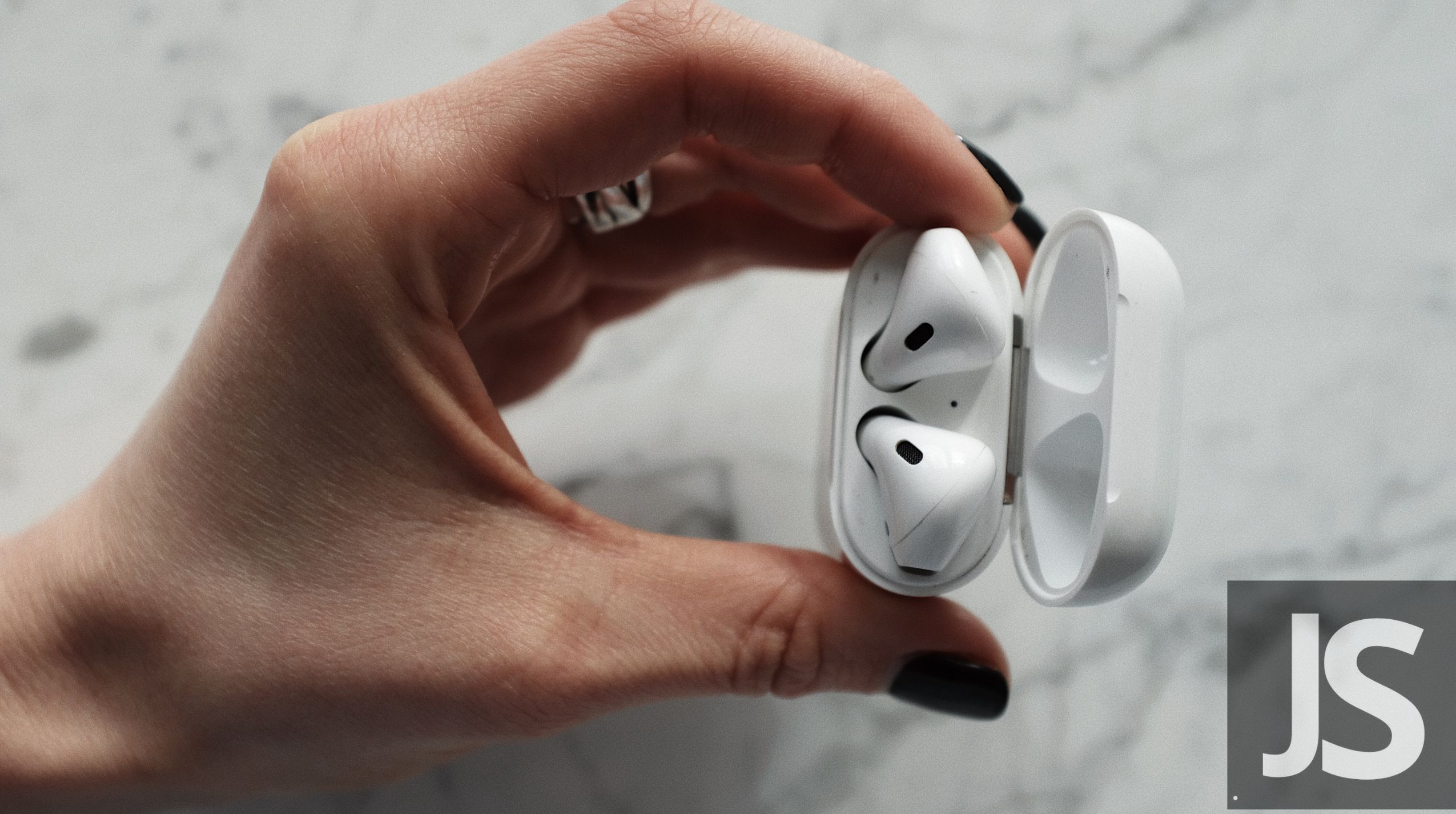
For most Jesebang models, simply opening the charging case or removing the buds will trigger pairing mode. You’ll usually see a pulsing LED indicator. This tells the world, “I’m ready to play.”
Step 2: Navigate the Android Bluetooth Menu
- Swipe down from the top of your screen to open the Quick Settings
- Long-press the Bluetooth icon. This takes you directly to the detailed menu (much faster than digging through the Settings app!).
- Ensure the Bluetooth toggle is turned On.
Step 3: Scan and Connect
Tap “Pair new device.” Your phone will now scout the area for available signals. When you see your model name (e.g., Jesebang BD86), give it a tap. Accept any pairing prompts that appear, and you’re golden.
Why Can’t My Phone Find My Earbuds? (The Expert Fix)
If you’re staring at a list of devices and yours isn’t there, don’t panic. It’s rarely a hardware failure and usually a “communication breakdown.”
- The “Multipoint” Trap: Bluetooth earbuds are loyal—sometimes too loyal. If they were previously connected to your tablet or a laptop nearby, they might be “clinging” to that connection.
- Pro Tip: Turn off Bluetooth on your other devices temporarily to force the earbuds to look for a new partner.
- The Battery Threshold: Many TWS earbuds disable the pairing radio if the battery is below 20% to save power. Pop them back in the case for 10 minutes and try again.
- Clear the Cache: On your Android, go to Settings > Apps > See all apps > Bluetooth and Clear Cache. This flushes out old connection data that might be causing a “handshake” error.
Optimizing for Performance: Beyond the Basics
Once you’re connected, you aren’t finished. Android offers hidden tools to make your music sound crisper and your videos lag-free.
Enable AAC or SBC via Developer Options
If you find your audio feels “flat,” your phone might be using a lower-quality codec by default.
- Go to Settings > About Phone and tap Build Number seven times to unlock Developer Options.
- Search for Bluetooth Audio Codec.
- Ensure it is set to AAC (supported by most Jesebang models) for a higher bit-rate experience that rivals a wired connection.
Use “Media Volume Sync”
Ever feel like your earbuds are too quiet even when the phone is at max? Look for “Media Volume Sync” in your Bluetooth settings. This synchronizes the internal volume of the earbuds with the phone’s volume slider, giving you full control over the drivers.
Maintenance for a Lifetime of Connectivity
At Jesebang, we build our gear to survive marathons and rainy commutes, but the Bluetooth signal hates one thing: interference and buildup.
- The “Clean Signal” Rule: Earwax and dust don’t just affect sound; they can actually interfere with the proximity sensors that tell the earbuds to turn on. A quick wipe with an alcohol-free cloth after a sweaty workout keeps the sensors sharp.
- Stay Updated: Occasionally check the manufacturer’s app if available. Firmware updates can improve Bluetooth “snappiness” and fix bugs you didn’t even know you had.
Ready to Experience the Jesebang Difference?
Connecting your gear should be the easiest part of your day. By understanding how Android handles Bluetooth 5.3 and keeping your device “clean” (both digitally and physically), you ensure that your focus stays on your form, your pace, and your music.
If you’re tired of dropouts and bulky headphones that fall out the moment you break a sweat, it might be time for an upgrade. Our Jesebang Sports Series features ergonomic ear hooks and IP7 waterproofing, designed specifically to stay connected when you’re moving your fastest.