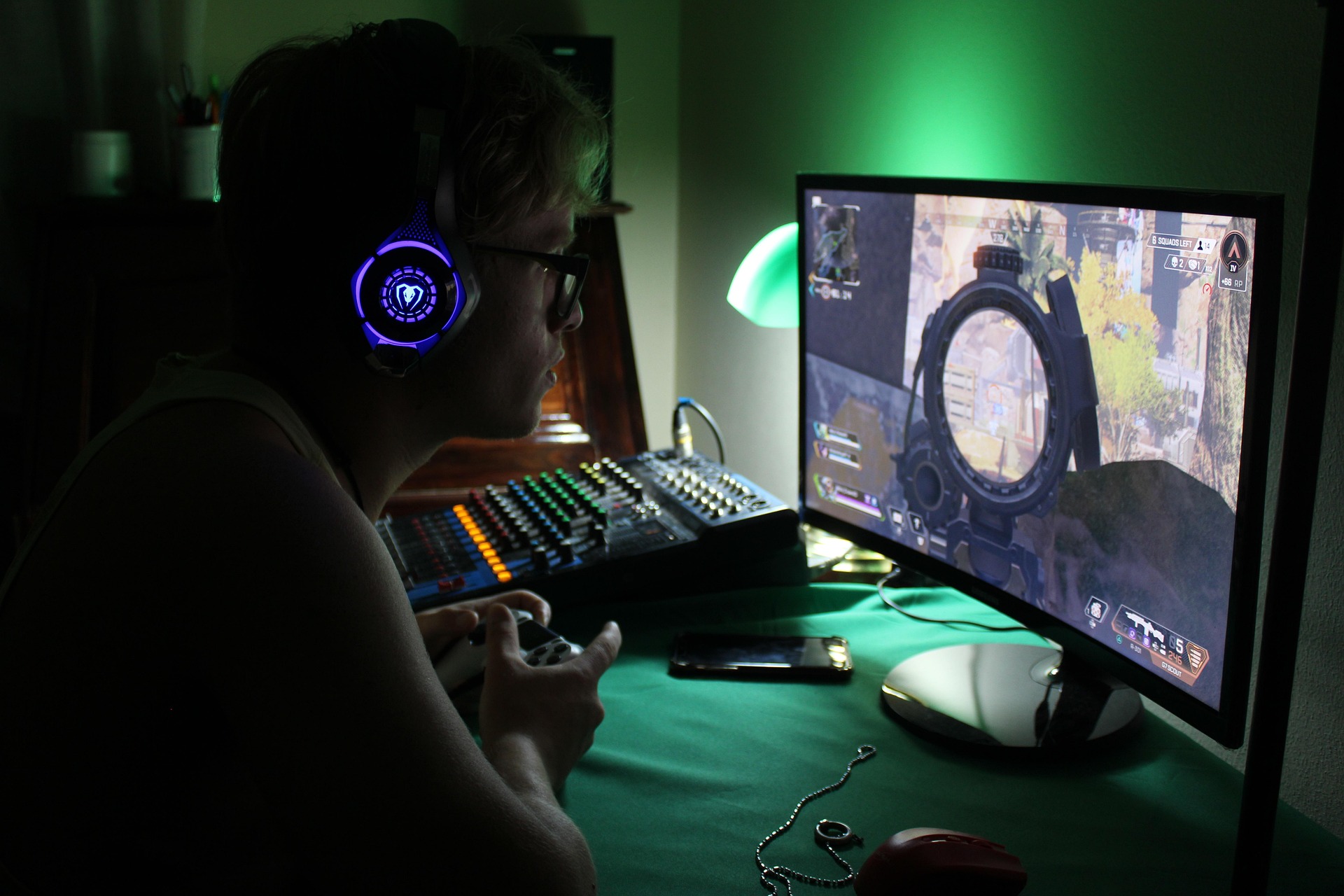
You’ve just settled into your favorite gaming chair, the console is humming, and you’re ready to dive into an epic session. You reach for your favorite pair of wireless earbuds, expecting a seamless connection, only to be met with a frustrating “Bluetooth audio devices are not supported” message. It’s a common headache for PlayStation 4 owners, but don’t worry—you aren’t actually locked into using a bulky, wired headset.
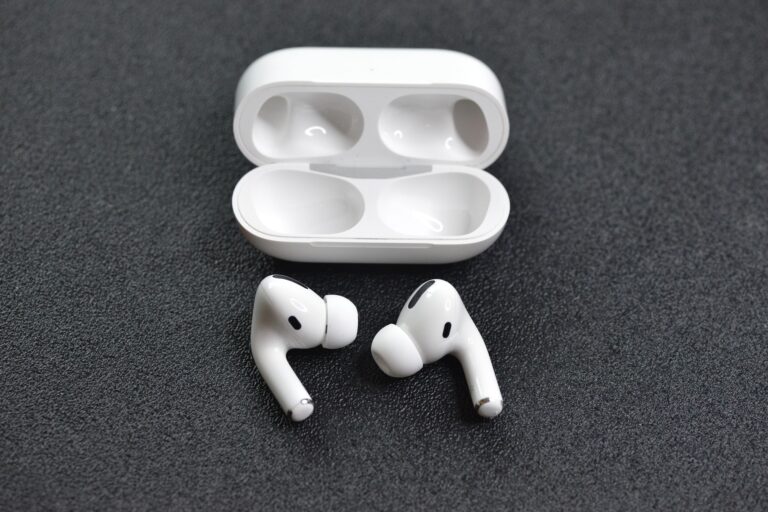
While Sony designed the PS4 with a very “closed” Bluetooth ecosystem to prioritize its own licensed peripherals, almost any modern pair of earbuds can become a part of your gaming rig with a little bit of know-how. In this guide, we’ll break down exactly what bluetooth earbuds are compatible with ps4 and how you can get your Jesebang earbuds—or any high-performance TWS pair—running in minutes.
The Reality of PS4 Bluetooth Compatibility
Technically, the PS4 uses Bluetooth 2.1+EDR. While that sounds fancy, it’s actually a legacy version of the technology compared to the lightning-fast Bluetooth 5.3 found in Jesebang devices. Because Sony wants to ensure zero lag (latency) for competitive gaming, they block most third-party Bluetooth audio devices from connecting directly to the console’s internal chip.
However, “compatible” doesn’t have to mean “natively supported.” You can bridge the gap using three simple methods that allow you to enjoy high-fidelity audio without the wires.
3 Ways to Connect Your Earbuds to PS4
1. The USB Bluetooth Transmitter (The Pro Choice)
This is the most reliable way to answer the question of what bluetooth earbuds are compatible with ps4. A USB dongle acts as a translator. You plug it into the PS4’s USB port, and it “tricks” the console into thinking a wired USB headset is attached, while it actually beams the audio to your earbuds.
- Step 1: Plug a Bluetooth USB adapter into the front of your PS4.
- Step 2: Put your earbuds (like the Jesebang YT18) into pairing mode.
- Step 3: Once the adapter and earbuds sync, go to Settings > Devices > Audio Devices.
- Step 4: Set “Output Device” to USB Headset and “Output to Headphones” to All Audio.
2. Using the DualShock 4 Controller (The Quick Fix)
If you don’t want to buy an extra dongle, you can use a 3.5mm Bluetooth transmitter plugged directly into your controller’s headphone jack. While this isn’t “true” wireless (since the transmitter is plugged into the controller), it keeps your head completely free from wires leading to the console.
3. Smart TV Pass-Through
If your PS4 is connected to a modern Smart TV that has built-in Bluetooth, you can pair your earbuds directly to the TV. The PS4 sends audio through the HDMI cable to the TV, which then beams it to your ears. This is a great “zero-cost” hack, though you may experience a slight audio delay depending on your TV’s processing speed.
Why Jesebang Earbuds Excel in Gaming
When looking at what bluetooth earbuds are compatible with ps4, stability and battery life are the two most critical factors. Gaming sessions often last hours, and nothing ruins a boss fight like a “Battery Low” alert.
Low Latency with Bluetooth 5.3
Older Bluetooth versions (like 4.0 or 5.0) often suffer from “audio lag,” where the sound of a gunshot happens a half-second after you see the flash on screen. Jesebang earbuds utilize Bluetooth 5.3 technology, which significantly reduces this latency. When paired with a high-quality USB transmitter, the transition is near-instantaneous.
Marathon Battery Life
The average gaming headset lasts 15–20 hours. Jesebang TWS models often provide up to 40+ hours of total playtime with the charging case. If you’re pulling an all-nighter, these buds will outlast your controller’s battery twice over.
Ergonomic Stability
Unlike heavy over-ear headphones that cause “ear fatigue” and sweat buildup, Jesebang’s ear-hook designs (like the YT18) stay secure even during intense moments. Plus, our IP7 waterproof rating means that even if the game gets sweaty, your hardware is protected.
Comparison Table: Connection Methods
| Method | Latency (Lag) | Mic Support | Ease of Use |
| USB Dongle | Ultra-Low | Often Included | High |
| Controller Jack | Low | Limited | Medium |
| Smart TV Pair | Medium/High | No | Easy |
Expert Tips for the Best Experience
- Avoid USB 3.0 Interference: If your adapter is struggling to pair, move it to a different USB port. Sometimes the internal shielding on the PS4 can cause minor interference.
- Update Your Firmware: Ensure your PS4 is updated to the latest system software. Sony occasionally releases “stability” updates that improve how the console handles USB audio devices.
- Cleaning for Clarity: To keep your game audio crisp, use a dry cotton swab to clean the charging contacts on your earbuds and the mesh of the speaker. Earwax buildup can muffle those subtle in-game footsteps!
Final Verdict
So, what bluetooth earbuds are compatible with ps4? Virtually all of them—provided you have a simple USB adapter. By pairing your PS4 with a pair of Jesebang earbuds, you’re getting the best of both worlds: the professional performance of a gaming headset with the lightweight comfort of a fitness-ready TWS. Happy gaming!